
Cyber criminals are constantly finding new ways to make phishing emails appear more legitimate. One of the latest tactics involves abusing Microsoft Azure Monitor to send convincing scam emails that appear to come directly from Microsoft.
Unlike traditional phishing emails that rely on spoofed addresses or poor grammar, these messages can originate from a genuine Microsoft domain. They often bypass email security filters and land in users’ inboxes looking entirely authentic.
That makes them particularly dangerous.
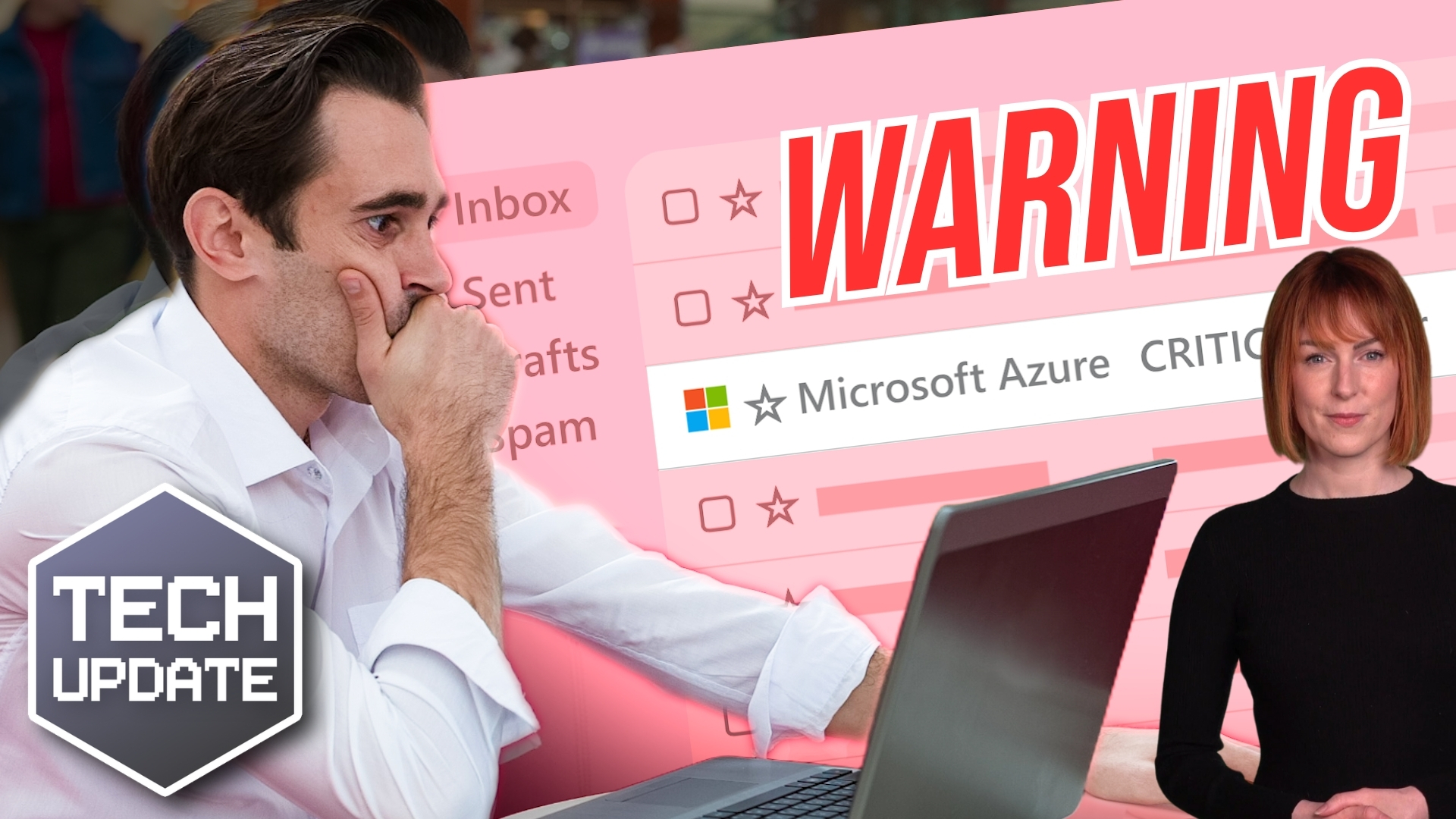
What is Microsoft Azure Monitor?
Microsoft Azure Monitor is a legitimate service that helps organisations monitor the health, performance and availability of their cloud infrastructure.
Businesses use it to:
- Monitor applications and cloud services
- Track system performance
- Receive notifications about outages or unusual activity
- Alert administrators to billing, security or operational events
Because these alerts are a normal part of running Microsoft Azure, most IT professionals and business users are accustomed to receiving them.
That’s exactly what attackers are exploiting.
How the scam works
The scam email usually claims there is an urgent issue with your Azure account.
Common examples include:
- Unexpected Azure charges
- New invoices you don’t recognise
- Suspicious account activity
- Subscription problems
- Account suspension warnings
The email then encourages you to act immediately, often by calling a telephone number to resolve the issue.
At first glance, everything appears genuine.
That’s because the email may genuinely have been sent using Microsoft’s Azure Monitor notification service.
Unlike traditional phishing campaigns, the attacker isn’t impersonating Microsoft. Instead, they’re abusing a legitimate Microsoft feature to distribute their own message.
As a result, the email often passes authentication checks and can evade spam filters that would normally identify a spoofed message.
Why these emails look so convincing
Azure Monitor allows authorised users to create customised alerts based on specific triggers.
For example, an alert can be generated when:
- A new invoice is created
- Resource usage exceeds a threshold
- A virtual machine changes state
- A monitoring rule is triggered
The creator of the alert can also customise the notification text.
Cyber criminals are taking advantage of this flexibility by creating alerts with basic triggers and replacing the notification with alarming messages about billing problems or account issues.
Recipients see an email delivered from a trusted Microsoft service, making the scam significantly more believable than conventional phishing emails.
This isn't the first time trusted platforms have been abused
Unfortunately, this approach isn’t unique to Microsoft.
We’ve previously seen attackers abuse legitimate services including:
- PayPal invoice notifications
- Google Forms
- Google Calendar invitations
- Dropbox file sharing notifications
- DocuSign requests
Rather than breaking into these platforms, criminals simply use legitimate features in malicious ways.
This trend highlights an important lesson:
Just because an email comes from a trusted domain doesn’t automatically mean the content can be trusted.
How to protect yourself
If you receive an unexpected Azure alert, don’t panic.
Instead, follow these simple steps.
- Stop before you act
Urgency is one of the most effective tools used by cyber criminals. If an email pressures you to act immediately, take a moment to assess whether the request is genuine.
- Never call telephone numbers provided in suspicious emails
Many of these scams are designed to move victims from email to a phone call, where fraudsters attempt to obtain login credentials, payment details or remote access to devices. Always obtain Microsoft’s contact details independently from the official website if you genuinely need support.
- Check your Azure account directly
Open your browser and sign in to the Azure Portal yourself. Do not use links contained within the email. If there is a genuine billing or security issue, you’ll be able to view it from within your official Azure portal. - Speak to your IT provider
If you’re unsure whether an alert is genuine, ask your IT support provider before taking any action. A quick check could prevent a costly security incident.
- Report suspicious emails
If you believe you’ve received a phishing email, report it rather than simply deleting it. The UK National Cyber Security Centre (NCSC) allows suspicious emails to be forwarded to: [email protected]
Phishing attacks are evolving
The days of poorly written emails full of spelling mistakes are largely behind us.
Today’s phishing attacks are often professionally written, carefully timed and delivered through services that people already trust.
That’s why technical security controls alone aren’t enough.
Businesses also need employees who know what to look for and feel confident questioning unusual requests.
Regular cyber security awareness training, strong authentication such as multi-factor authentication (MFA), and a healthy level of scepticism remain some of the most effective defences against modern phishing attacks.
Stay one step ahead
Cyber criminals are constantly adapting their tactics, and trusted platforms are increasingly being used as part of sophisticated phishing campaigns.
The best defence is a combination of technology, good security practices and informed users.
If you’re concerned about how well your organisation would recognise attacks like these, or you’d like to strengthen your cyber security posture through user awareness training, phishing simulations or managed security services, we’d be happy to help.
Get in touch with Aztek to find out how we can help keep your business secure.